iPhone, iPad and Mac
See both sides of every decision.
Side Notes shows your notes side by side, on one screen: pros and cons, two options to compare, a SWOT analysis. Every argument sits where you can see it, and the answer gets clearer.
Free, no ads, no account.
Three layouts
Two notes, four, or just one.
Tap a note to write in it full screen, then swipe to move to the next one. The rest of the board stays put.
-
Dual
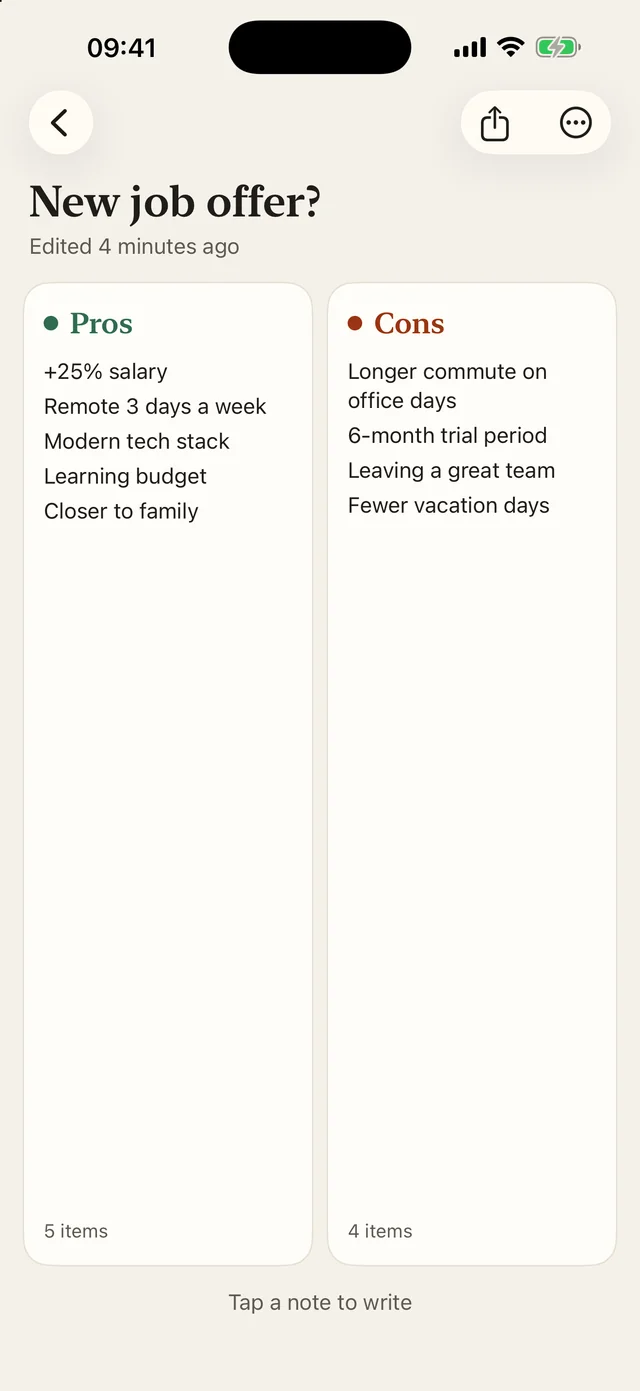
Two notes side by side, to weigh pros and cons or compare two options.
-
Four
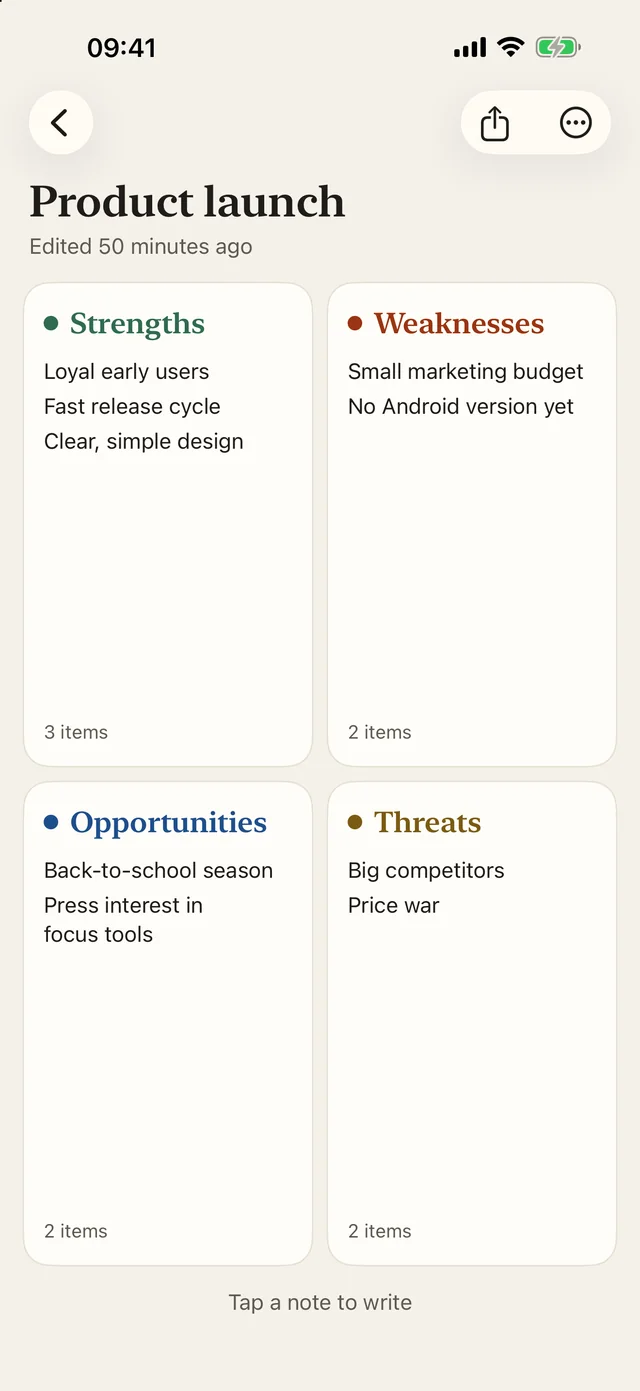
A two by two grid for frameworks: SWOT, Eisenhower, retrospective.
-
Single
One big note, when you need room to write.
Templates
Start from a template.
Every board can start from a proven method. The note headings are already there: all that is left is to fill them in.
-
Pros & Cons
Weigh a decision
See the template and an example -
Option A vs Option B
Compare two choices
See the template and an example -
SWOT Analysis
Strengths, weaknesses, opportunities, threats
See the template and an example -
Eisenhower Matrix
Prioritize by urgency and importance
See the template and an example -
Retrospective
Look back and plan next steps
See the template and an example -
Blank board
1, 2 or 4 notes, your own structure
Everywhere
On iPhone, iPad and Mac.
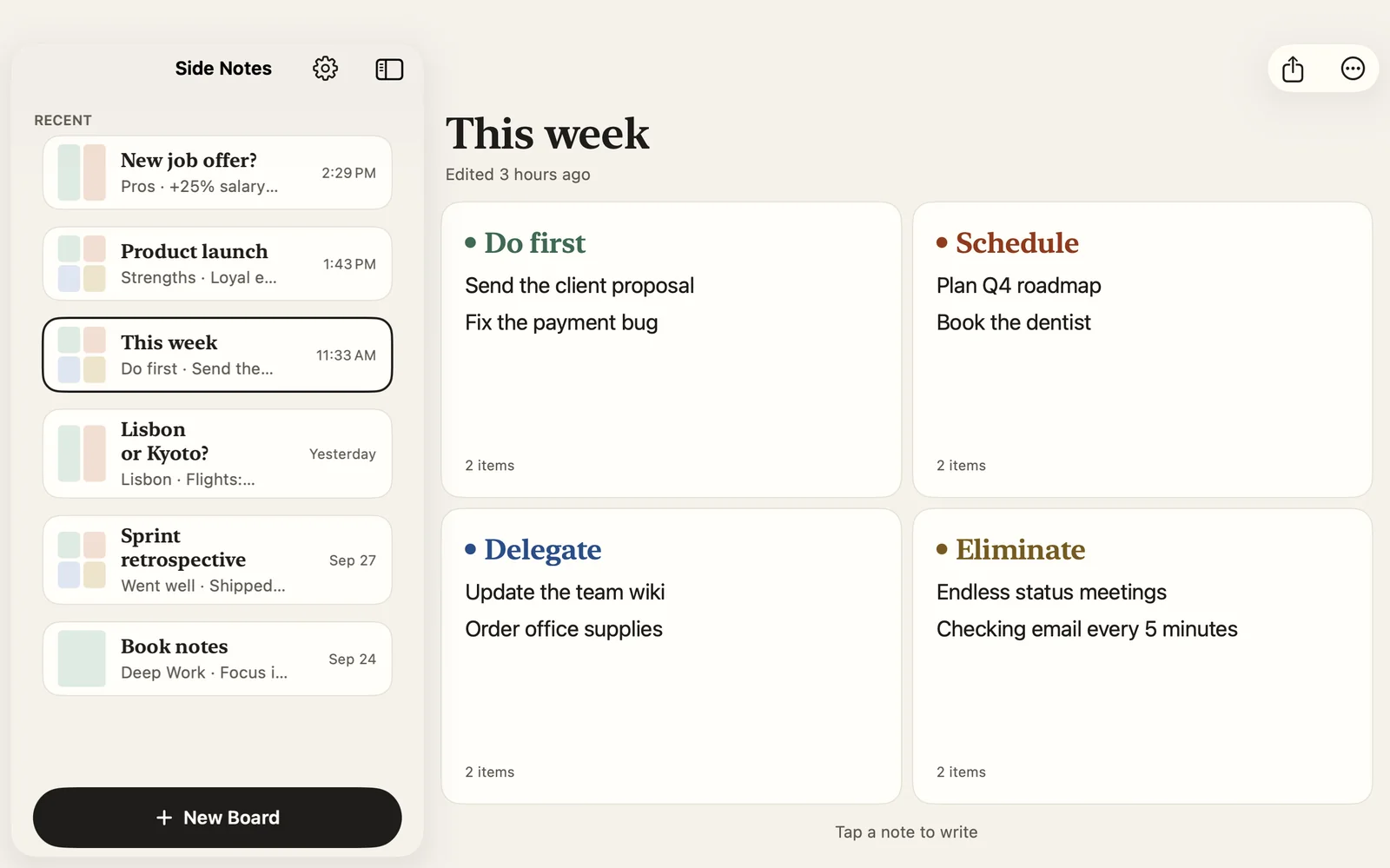
Side Notes has a real Mac app, not a stretched phone app. Your boards sync with iCloud across all your devices: start on iPhone, pick up on Mac. There is no account to create and nothing to log in to.
- iCloud sync across iPhone, iPad and Mac
- More room on iPad and Mac to see every note at once
- Keyboard shortcuts on iPad and Mac
Every day
Write, find, share.
-
Rich text
Bold, italic and more, on iOS 26 and later.
-
Word count
Shown on every note, so you know where you stand.
-
Search
Across board titles and note content, with Today and This week filters.
-
PDF and text export
A board ready for a meeting, a teammate, or your future self.
-
Light or dark
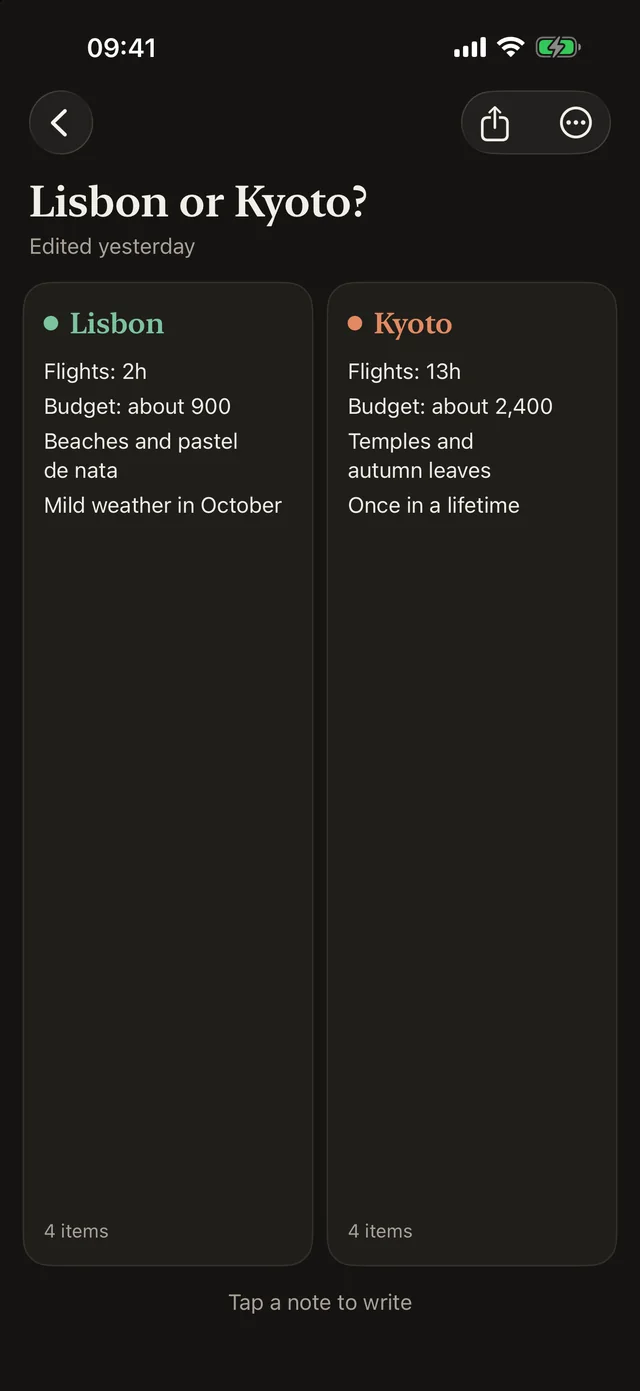
Plus four accent colors: Ink, Brick, Forest and Ocean.
-
34 languages
The app is fully translated, from English to Japanese.
Your notes
They stay yours.
Your boards are stored on your device and in your own iCloud. Straw Technologies, the company behind the app, cannot see them. No account, no ads: the app only measures its usage, anonymously, so we know what to improve.
Questions
Frequently asked questions
Is Side Notes free?
Yes. The app is free, has no ads, and needs no account.
Which devices does it run on?
iPhone, iPad and Mac, with a native Mac app. Your boards sync between them through iCloud.
Do I need to create an account?
No. Sync goes through the iCloud account on your Apple devices. Nothing else to create, nothing to remember.
Can I export or print a board?
Yes: any board exports as a PDF or shares as text. The template pages on this site also have a printable version.
Who can read my notes?
Only you. They are stored on your devices and in your iCloud, never on our servers. The details are in the privacy policy.
Your next decision deserves two columns.
Free on iPhone, iPad and Mac.
Free, no ads, no account.